Start selling with PazoPay in 4 simple steps
Watch the short videos, follow the steps and you are ready to take Cash App payments — and get paid by Payoneer or USDT.
Create your account
About 2 minutes · 10 steps
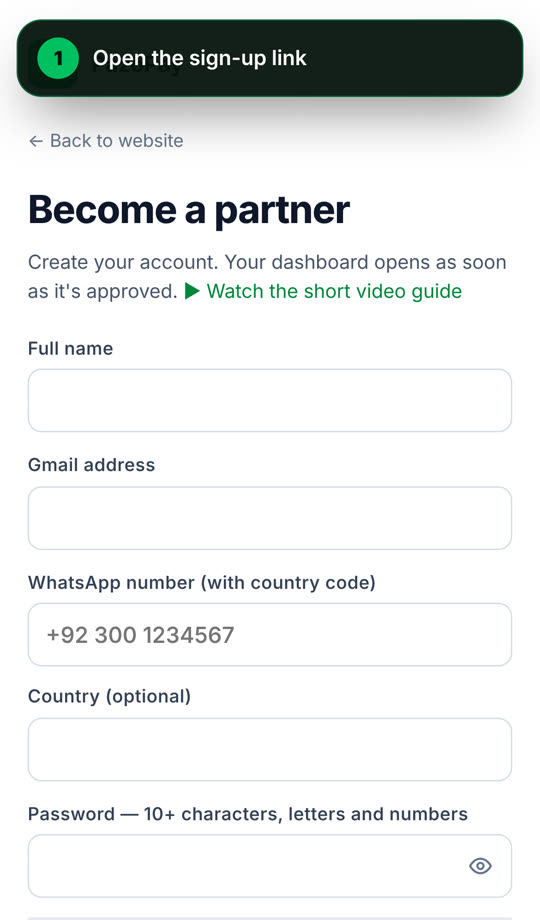 Open the sign-up link
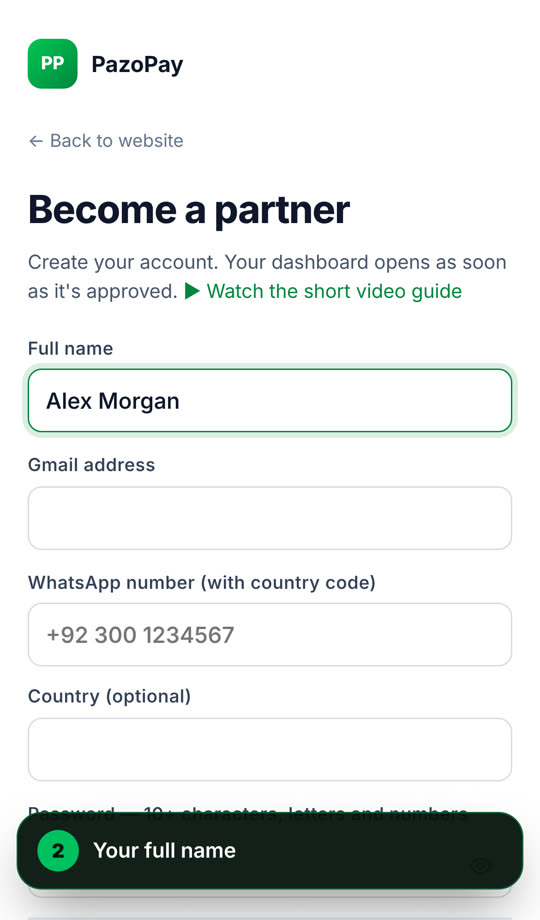 Your full name
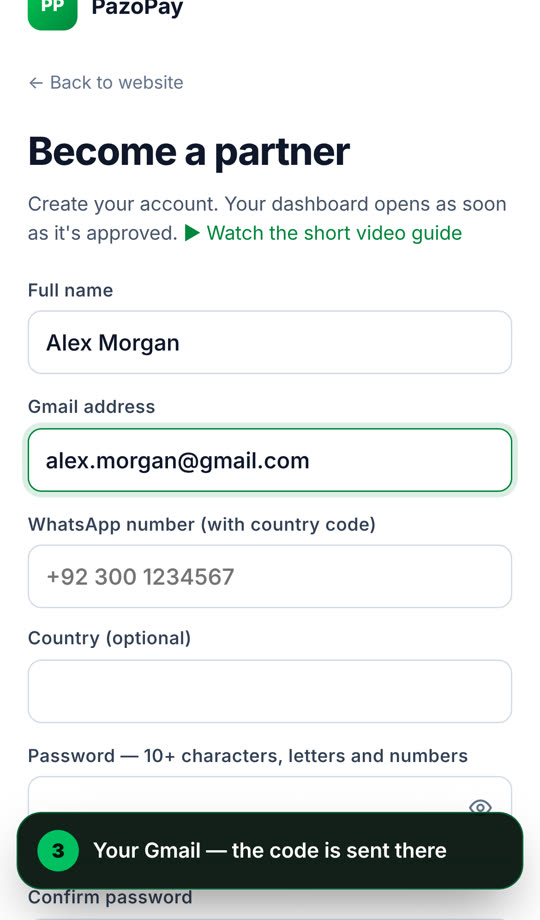 Your Gmail — the code is sent there
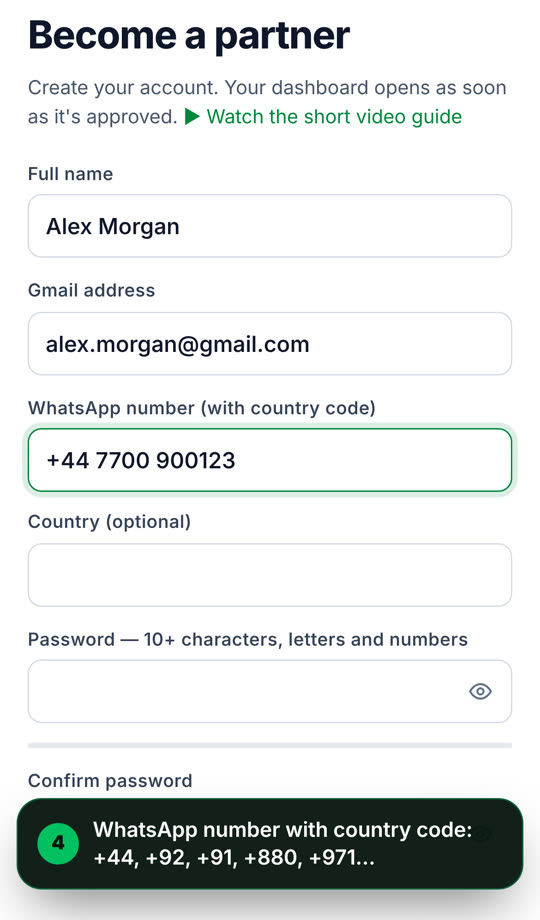 WhatsApp number with country code: +44, +92, +91, +880, +971…
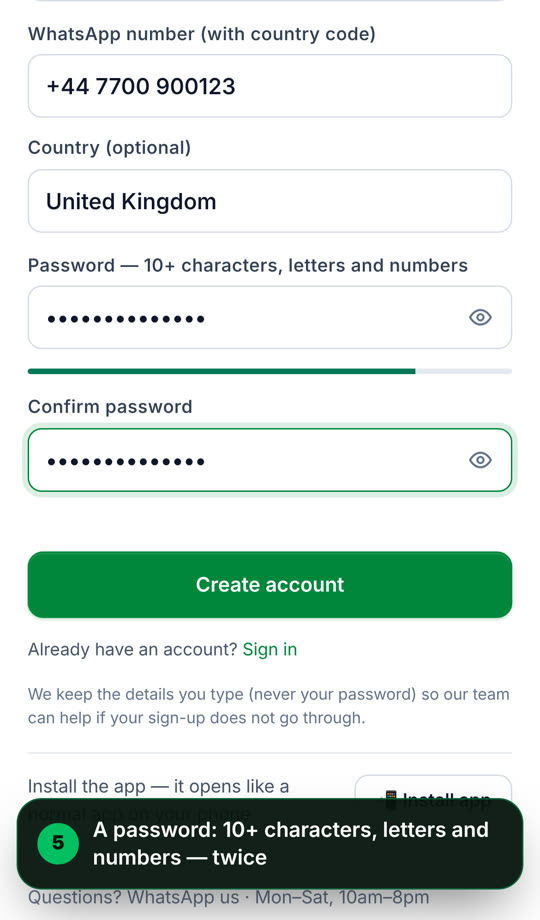 A password: 10+ characters, letters and numbers — twice
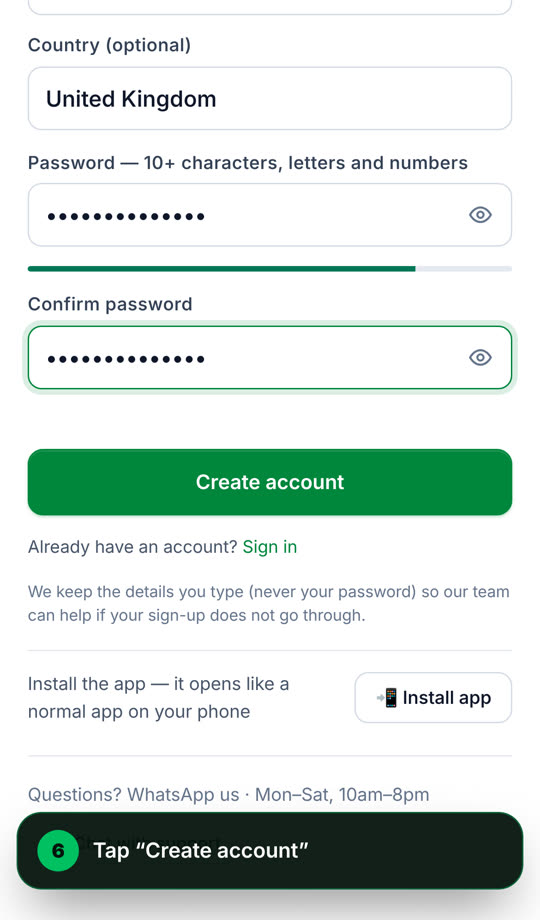 Tap “Create account”
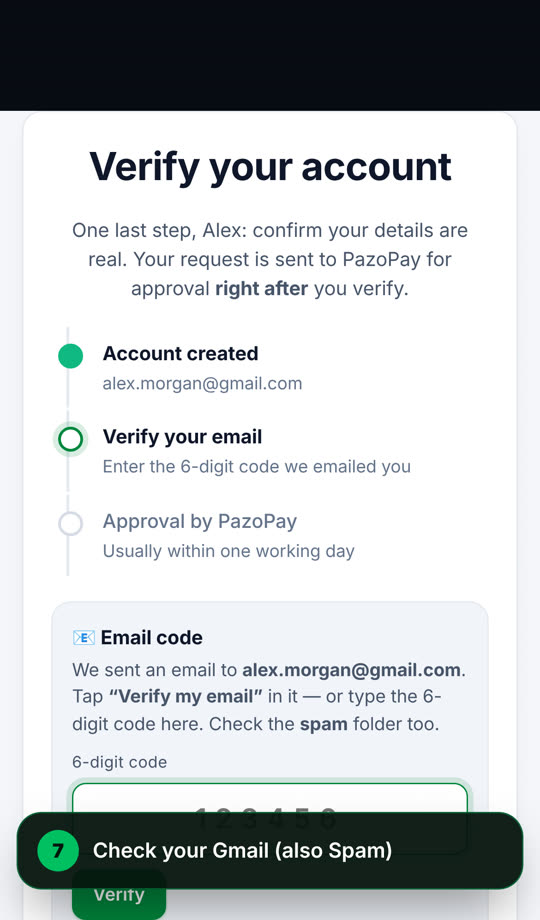 Check your Gmail (also Spam)
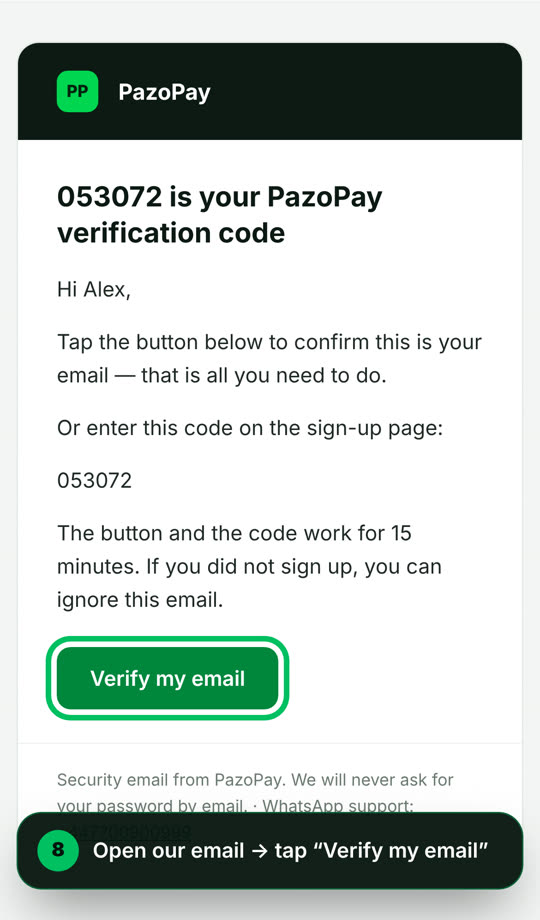 Open our email → tap “Verify my email”
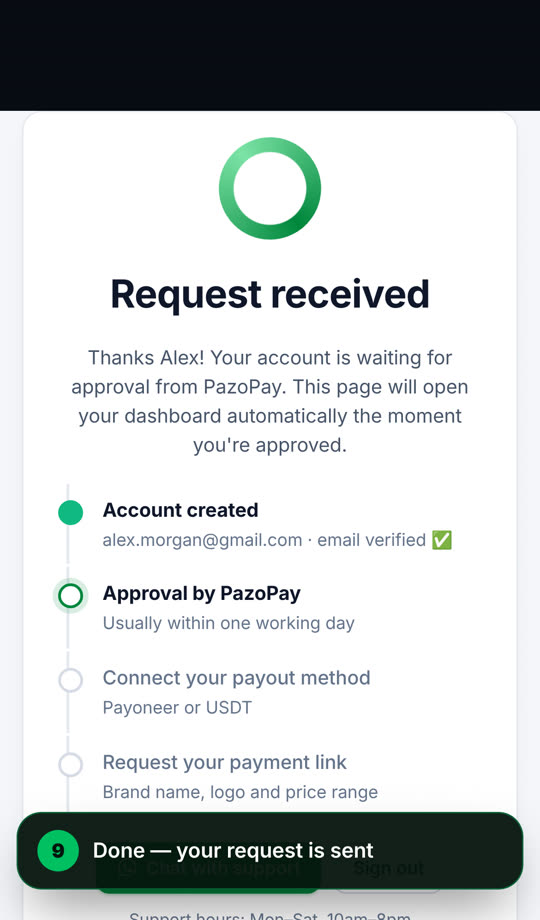 Done — your request is sent
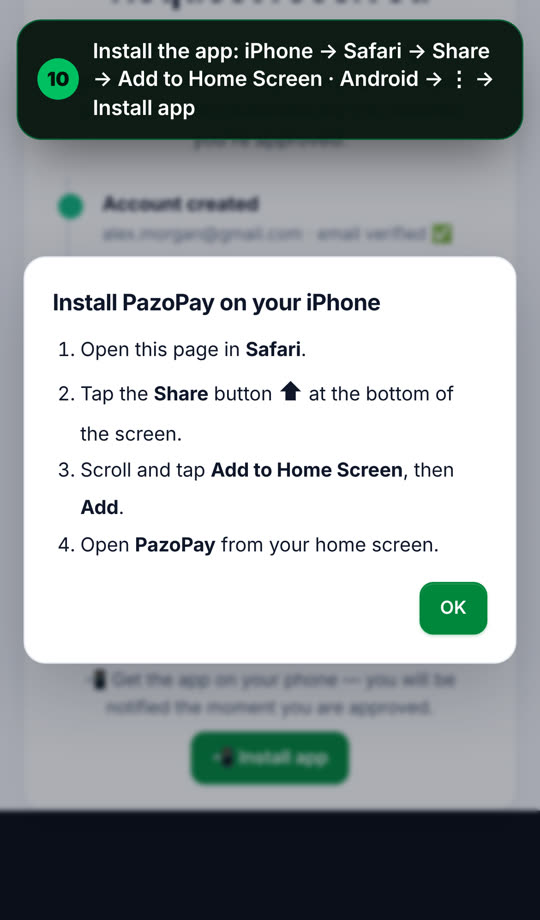 Install the app: iPhone → Safari → Share → Add to Home Screen · Android → ⋮ → Install app
- Use your own Gmail — the verification email goes there.
- Type your WhatsApp number with the country code.
- Did not get the email? Look in Spam / Promotions, then tap Send a new code.
Get approved & add your payout method
Approval within 1 working day · 6 steps
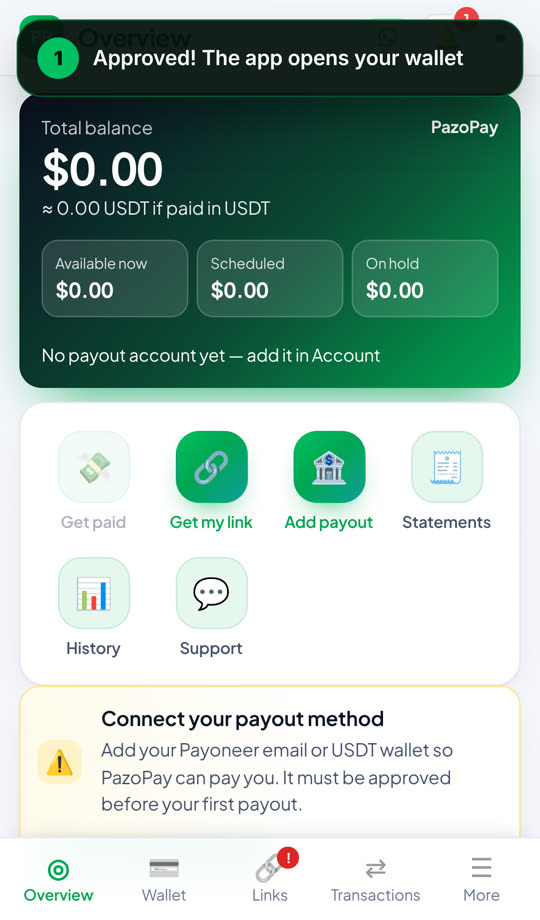 Approved! The app opens your wallet
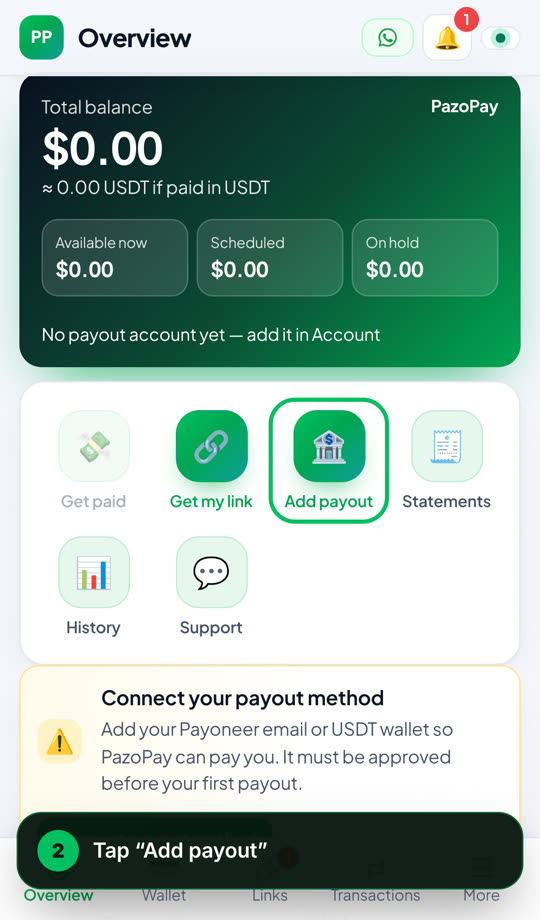 Tap “Add payout”
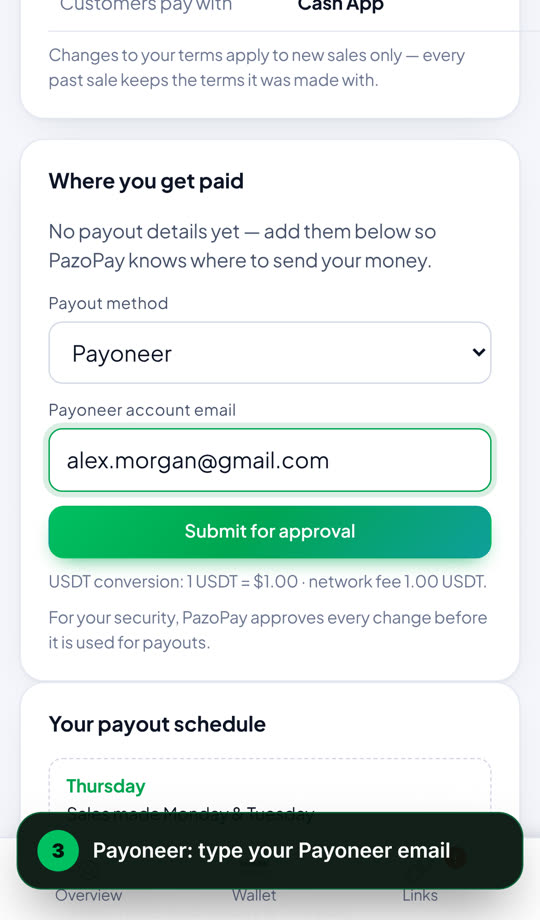 Payoneer: type your Payoneer email
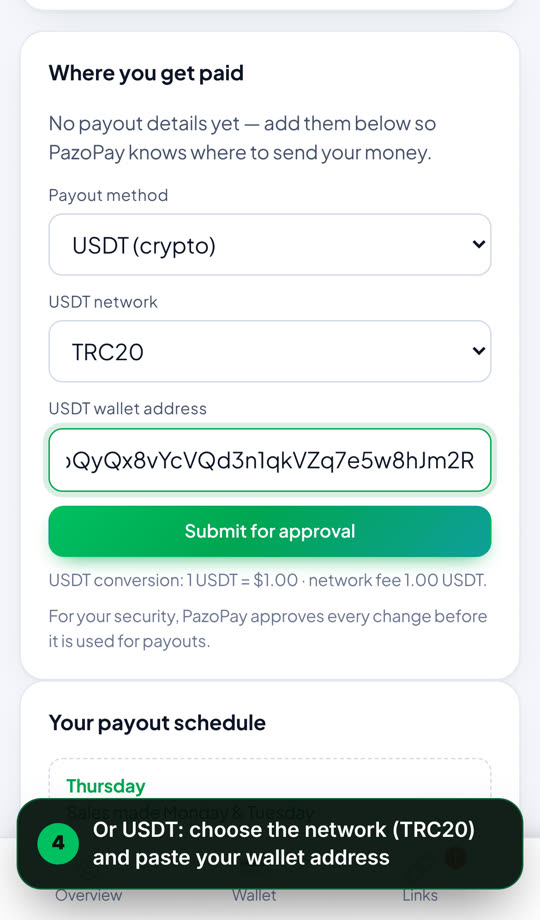 Or USDT: choose the network (TRC20) and paste your wallet address
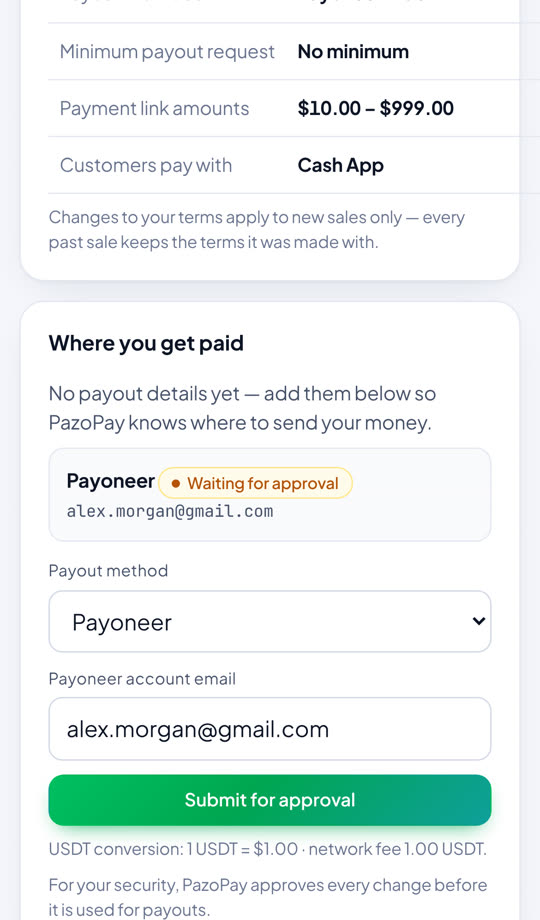 Submit — we check it once for your safety
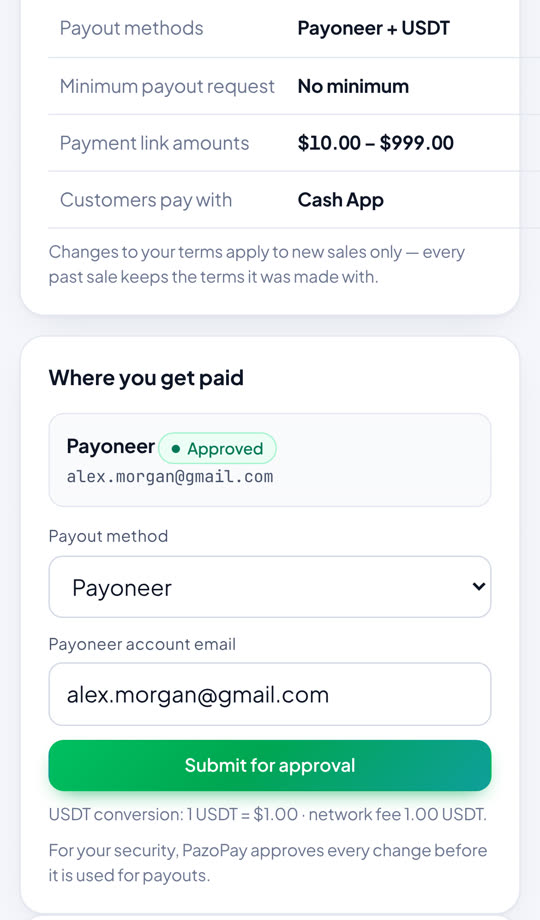 Approved ✅ — payouts go here from now on
- We check every new partner — you get a notification and an email when you are approved.
- Payoneer: the email of your Payoneer account. USDT: choose the network (TRC20 is cheapest) and paste the address — check it twice.
- For your safety we approve payout details once before the first payout.
Get your payment link & checkout page
Ready the same day · 8 steps
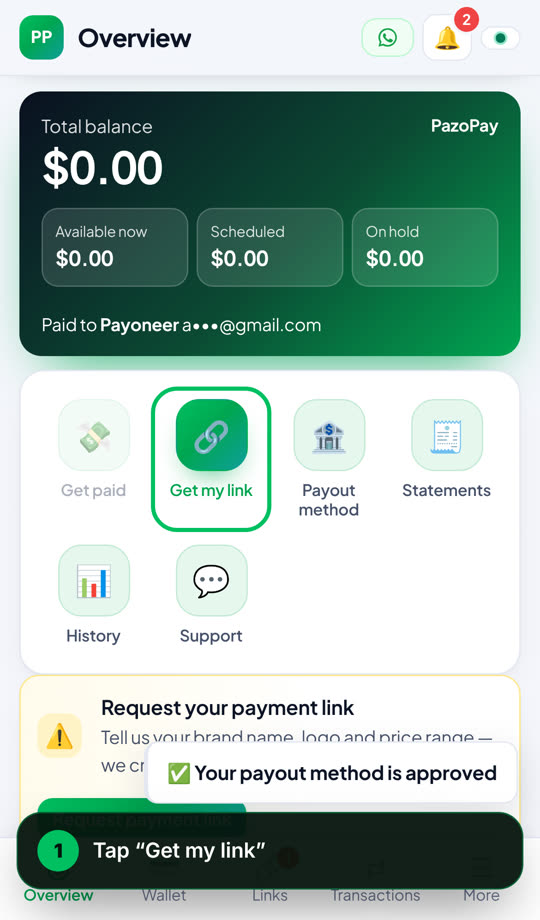 Tap “Get my link”
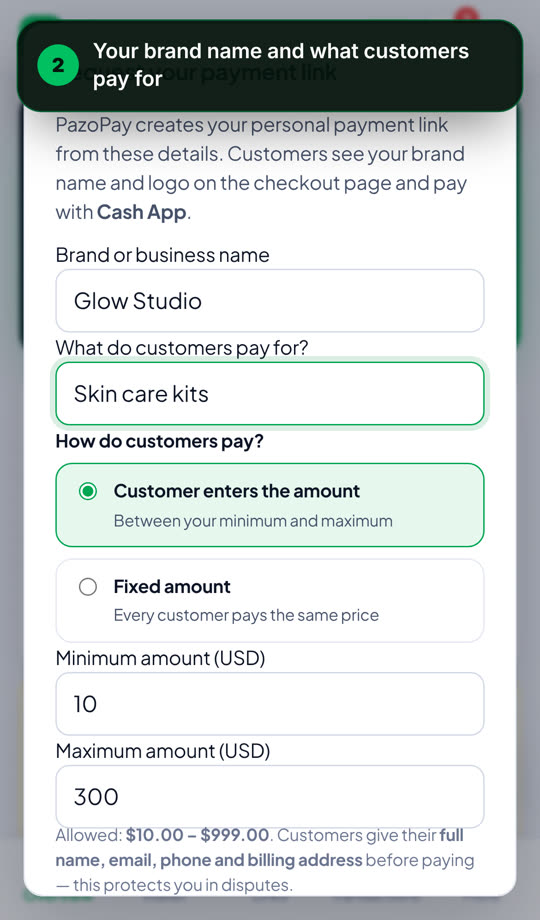 Your brand name and what customers pay for
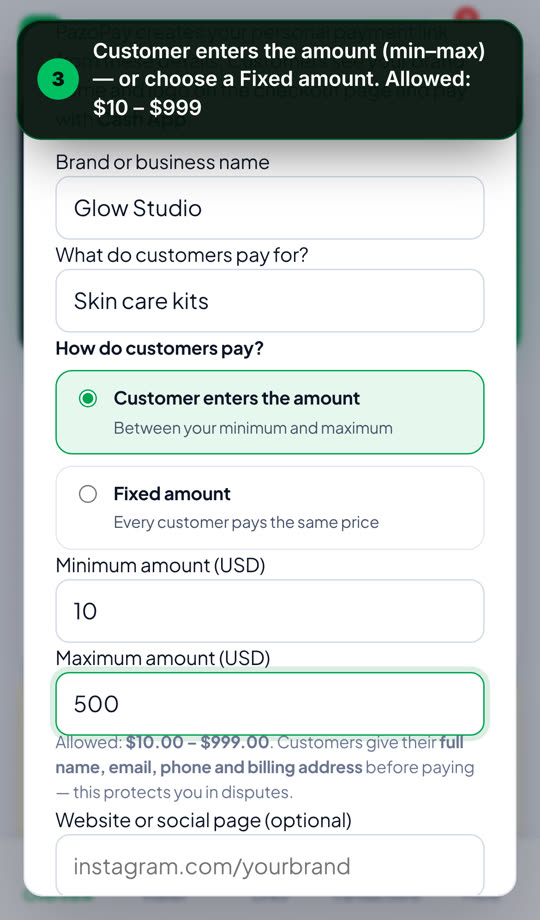 Customer enters the amount (min–max) — or choose a Fixed amount. Allowed: $10 – $999
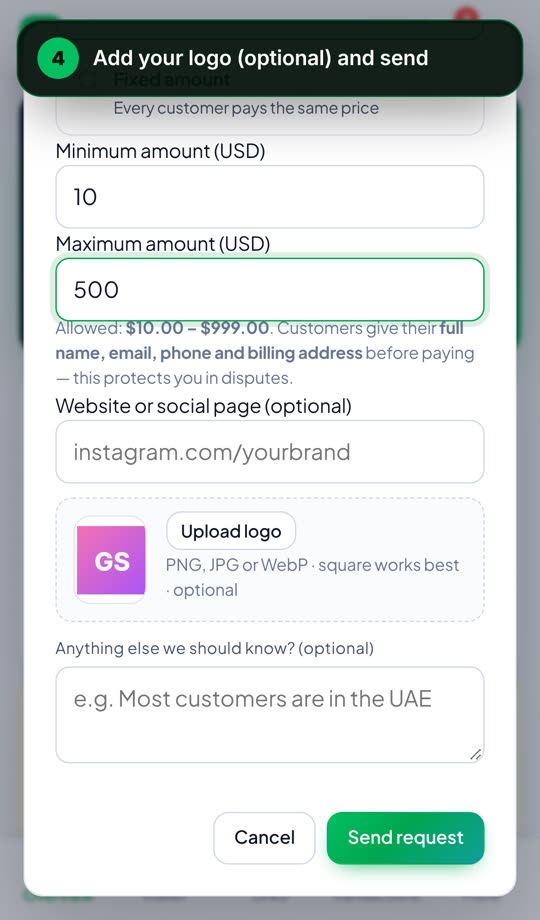 Add your logo (optional) and send
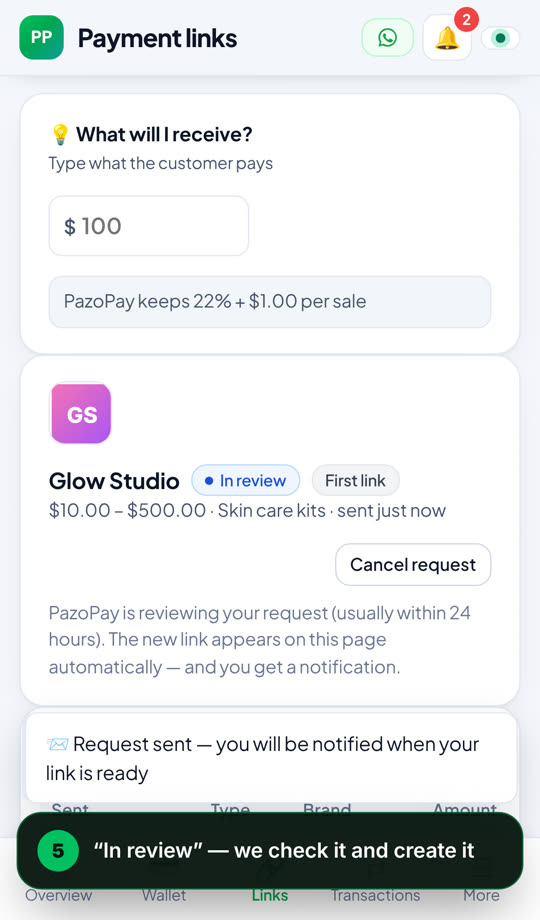 “In review” — we check it and create it
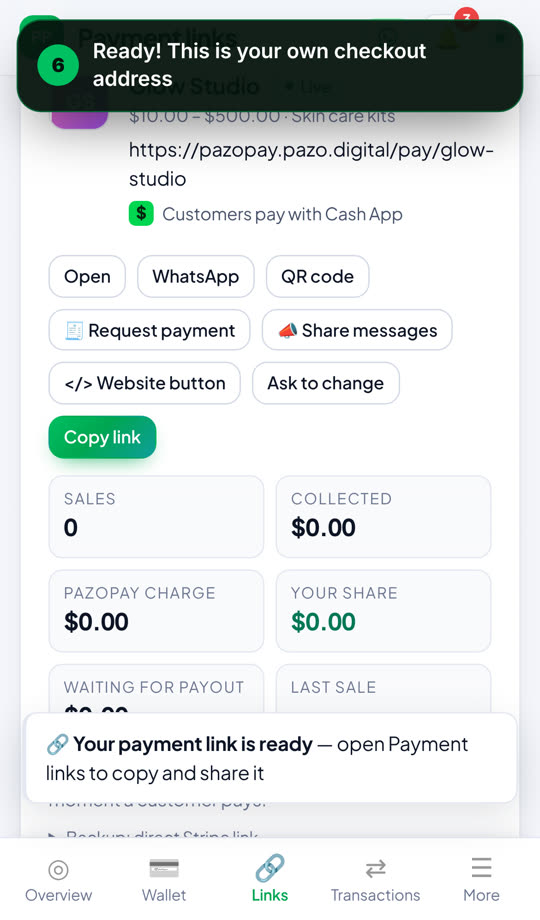 Ready! This is your own checkout address
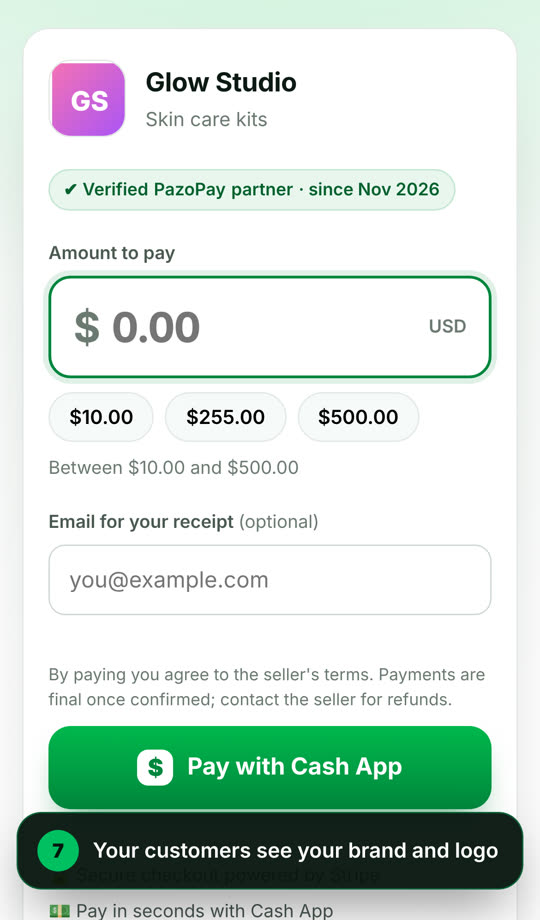 Your customers see your brand and logo
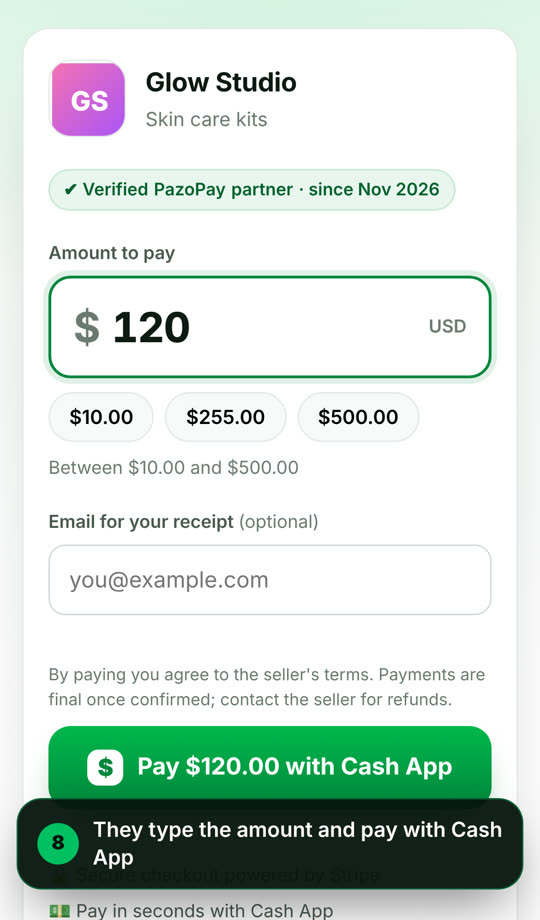 They type the amount and pay with Cash App
- Choose Customer enters the amount (a range) or a Fixed amount. Allowed: $10 – $999.
- Add your logo — customers trust a checkout page with your brand.
- Your customers give their full name, email, phone and billing address, then pay with Cash App. This protects you in disputes.
Share your link & get paid
Every day · 7 steps
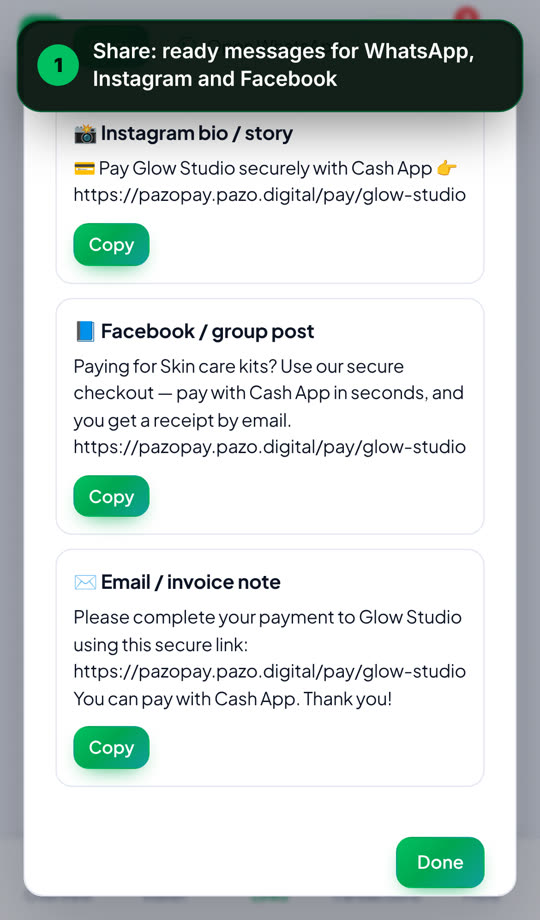 Share: ready messages for WhatsApp, Instagram and Facebook
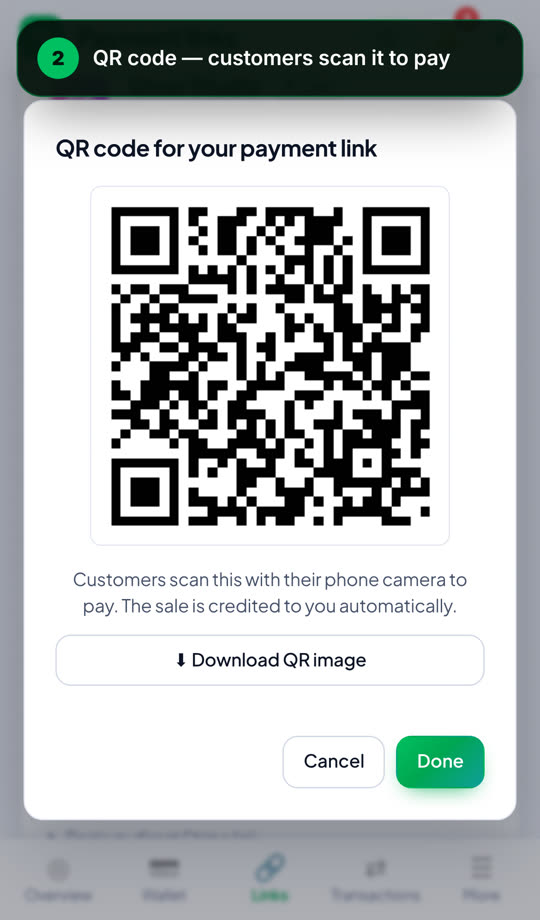 QR code — customers scan it to pay
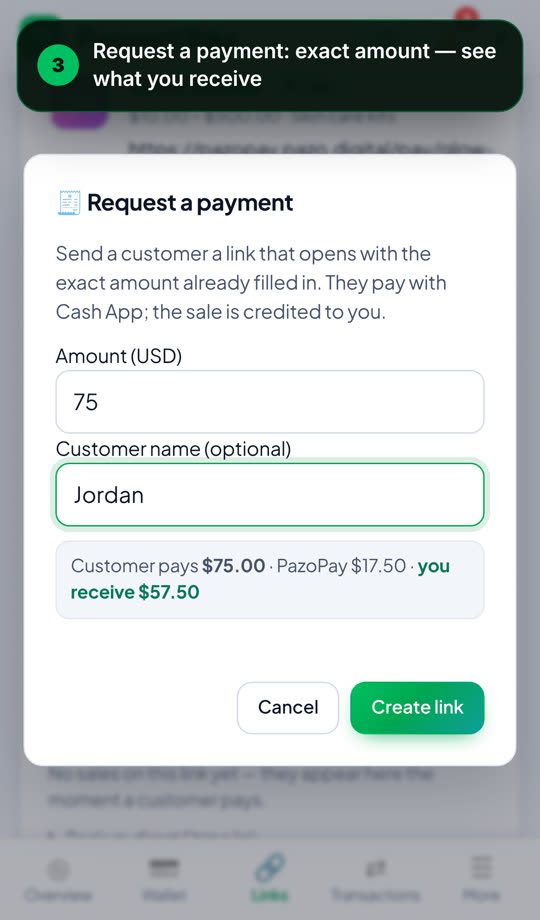 Request a payment: exact amount — see what you receive
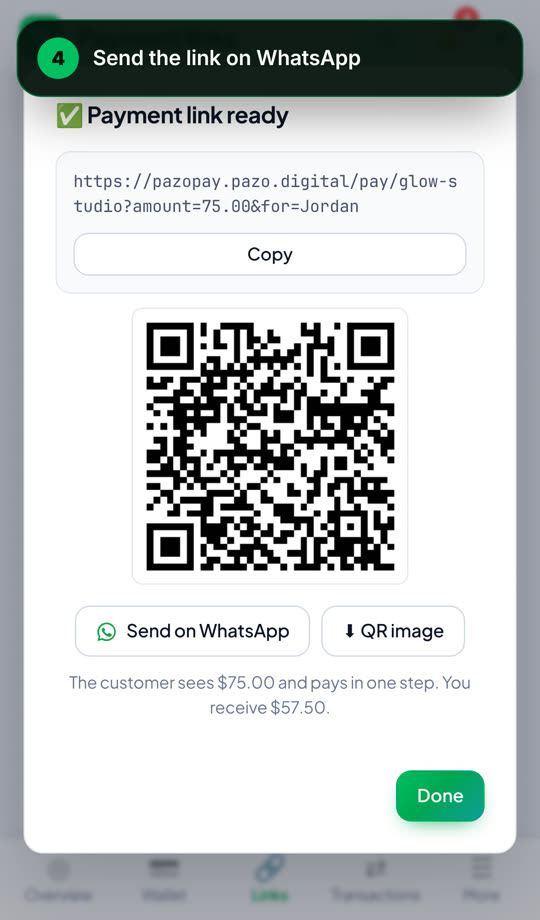 Send the link on WhatsApp
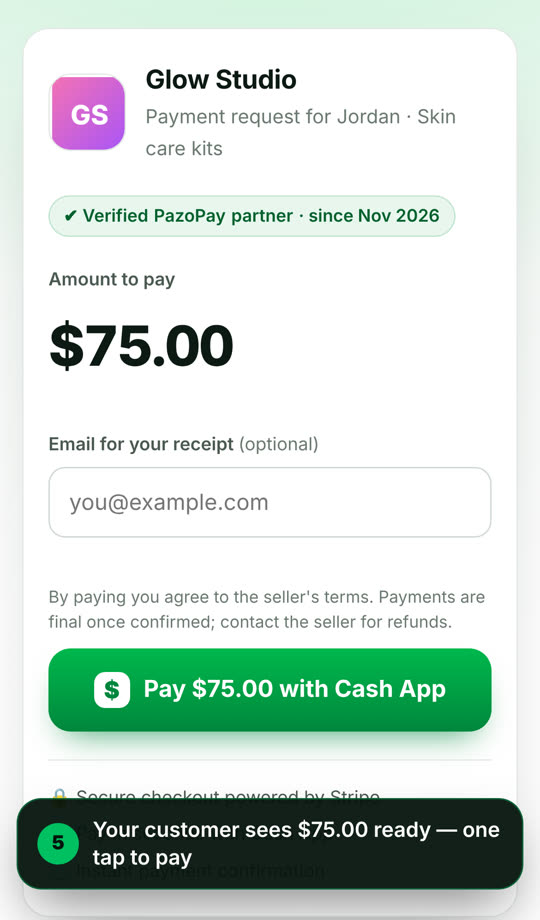 Your customer sees $75.00 ready — one tap to pay
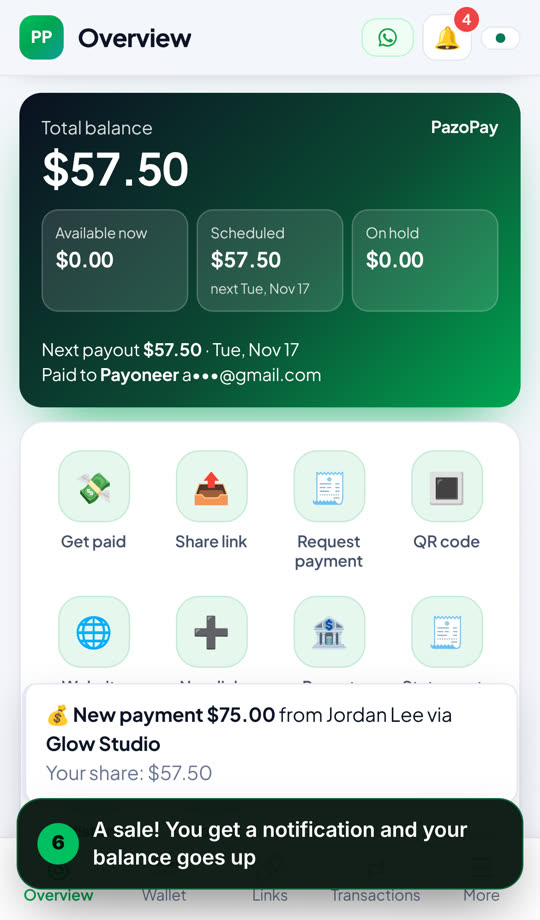 A sale! You get a notification and your balance goes up
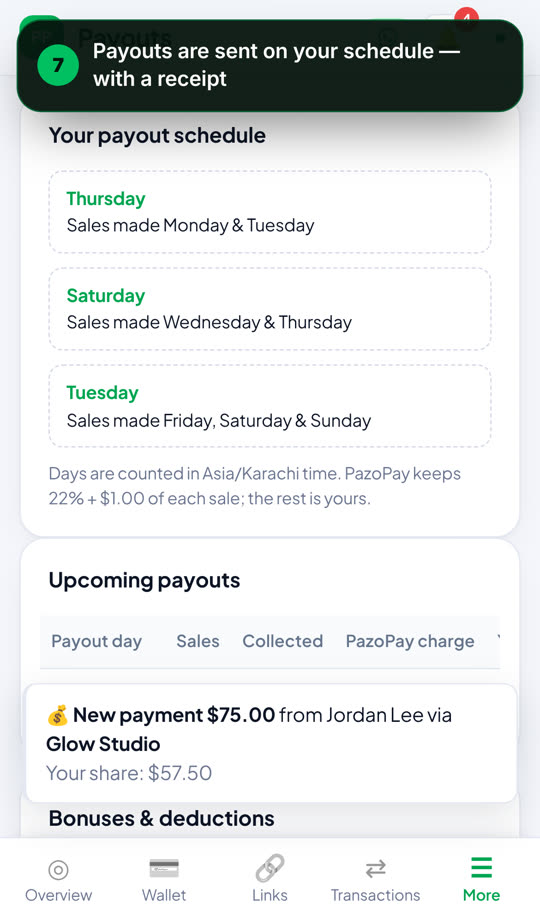 Payouts are sent on your schedule — with a receipt
- Use Share messages, the QR code or Request payment for an exact amount.
- Every sale shows in your app with a notification. Your share is the sale minus the fee shown in Account → Your terms.
- Payouts are sent on your schedule (see Payouts) with a receipt and transaction ID.
Questions & fixes
The sign-up says “Please sign up with a Gmail address”
Only Gmail addresses (ending in @gmail.com) are accepted. Make a free Gmail first, then sign up.
It says my WhatsApp number is already used
One WhatsApp number = one account. If you signed up before, use Sign in. Otherwise message support.
I did not get the verification email
Check Spam and Promotions. On the sign-up screen tap Send a new code, or Wrong email? to fix a typo. The button and code work for 15 minutes.
I closed the app before finishing
Sign in again with your email and password — you continue exactly where you stopped.
How long does approval take?
Usually within one working day. You get a notification and an email, and the app opens your dashboard by itself.
Which payout method should I choose?
Payoneer if you have a Payoneer account (paid in USD). USDT if you use a crypto wallet — TRC20 has the lowest network fee. Always double-check the address.
Fixed amount or customer enters the amount?
Fixed is best when you sell one product at one price. A range ($10 – $999) is best when prices change — you can still send an exact amount with Request payment.
When do I get paid?
On your payout schedule (see Payouts in the app). You can also tap Get paid to ask for a payout. Every payout has a receipt and transaction ID.
Why is a payment “on hold”?
Sometimes we ask for proof of delivery (a chat or delivery screenshot). Upload it from the alert in the app — the payment is released after checking.
How do I stay safe?
Turn on two-step login in Account. Use only this website. We will never ask for your password, codes or wallet keys.
Message us on WhatsApp — we reply during working hours.